
Browser-Native SDR Platform
Software Defined Radio in Your Browser
Develop, analyze and deploy RF applications directly from your browser without installing desktop software, drivers or local toolchains.
Browser-first RF Development
Traditional SDR development often requires drivers, local toolchains and operating-system-specific software before you can even begin.
WebSDR removes these dependencies by moving the complete SDR workflow into the browser, giving every user the same environment across Linux, Windows and macOS.
- Driver installation
- Local toolchains
- Platform dependent
- Manual updates
- Browser-native
- Ready immediately
- Cross-platform
- Always up to date
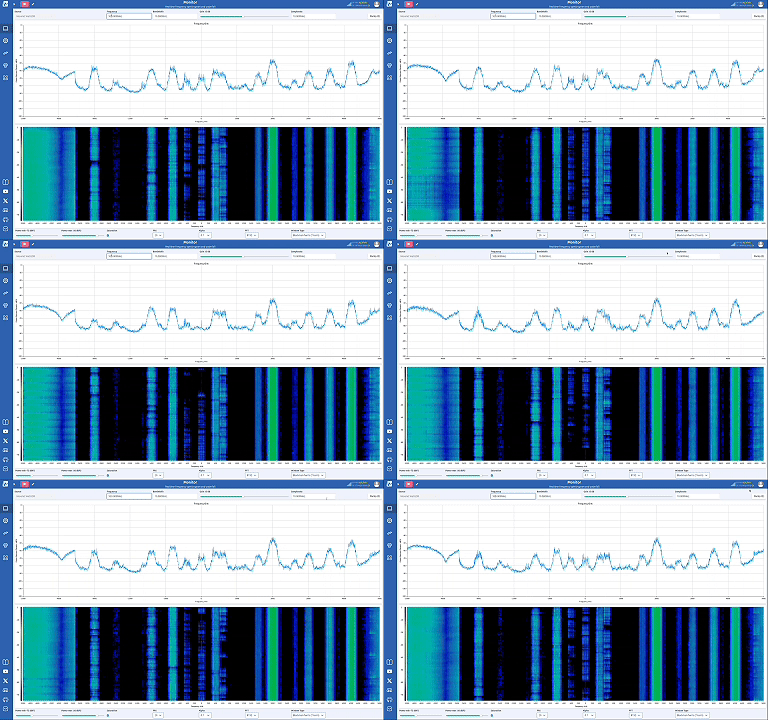
Everything You Need
Everything required for SDR development runs directly inside your browser. No installations. No drivers. No operating system dependencies. Simply connect your SDR and start building.
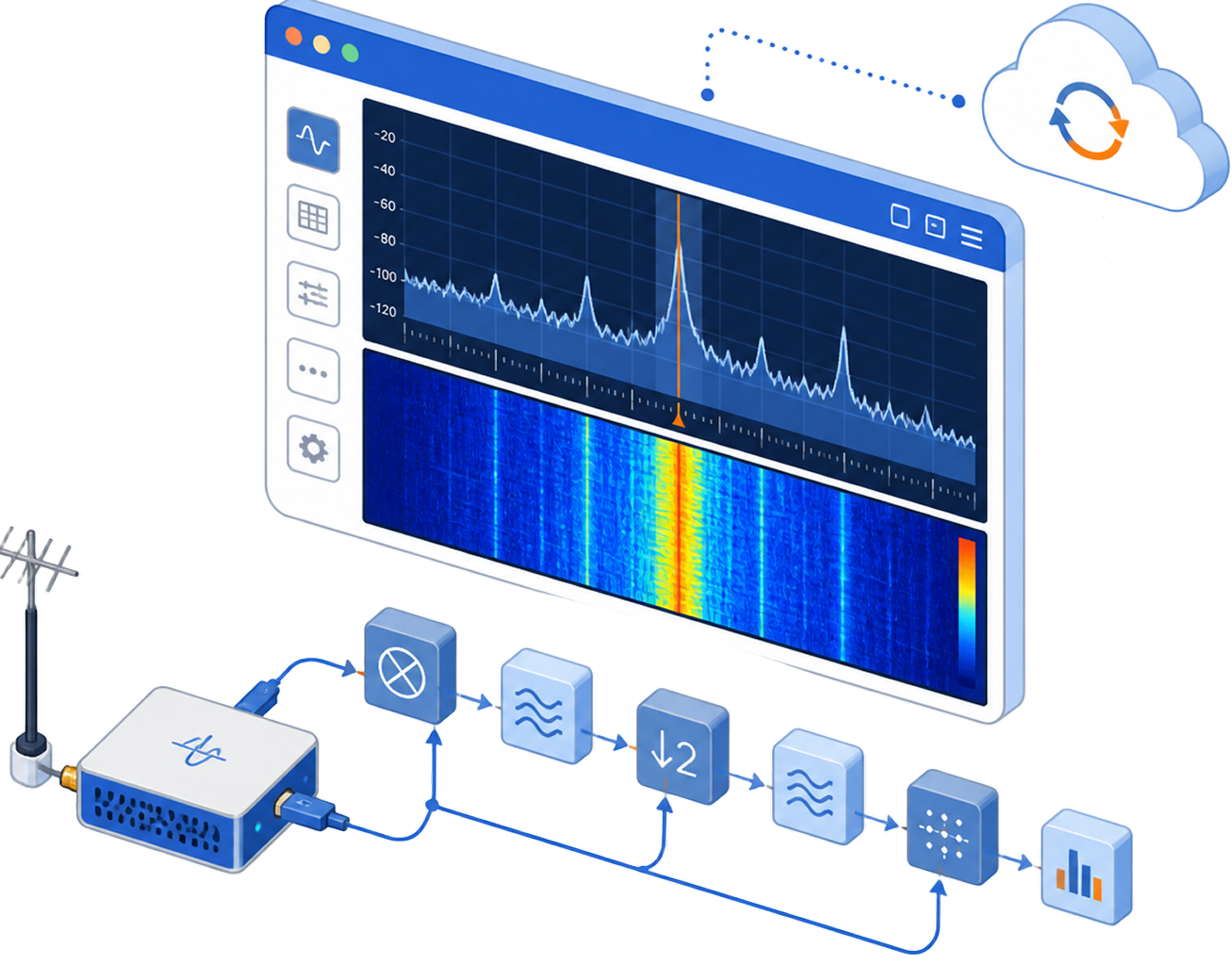

Browser Native
Complete SDR workflow directly inside Chrome.

Plug & Play
Connect supported SDR hardware in seconds.

Real-Time DSP
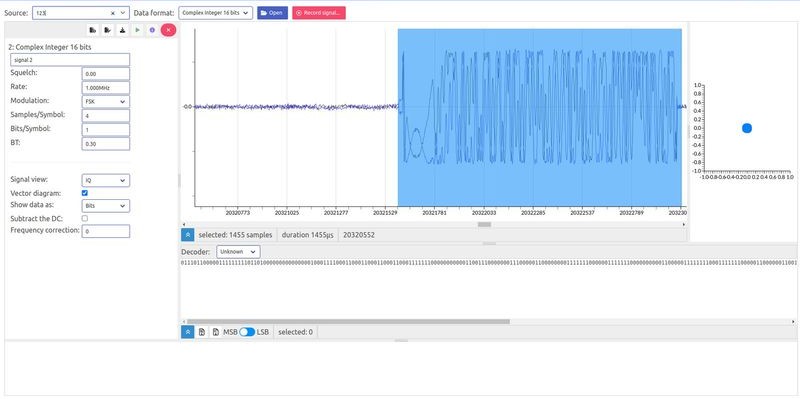
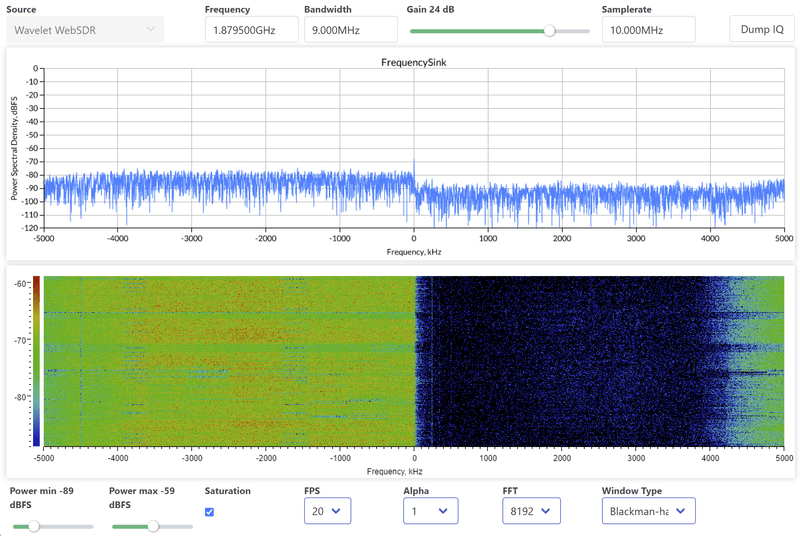
Analyze and process live RF signals.

Device Management
Monitor and control connected radios from anywhere.
Included Applications
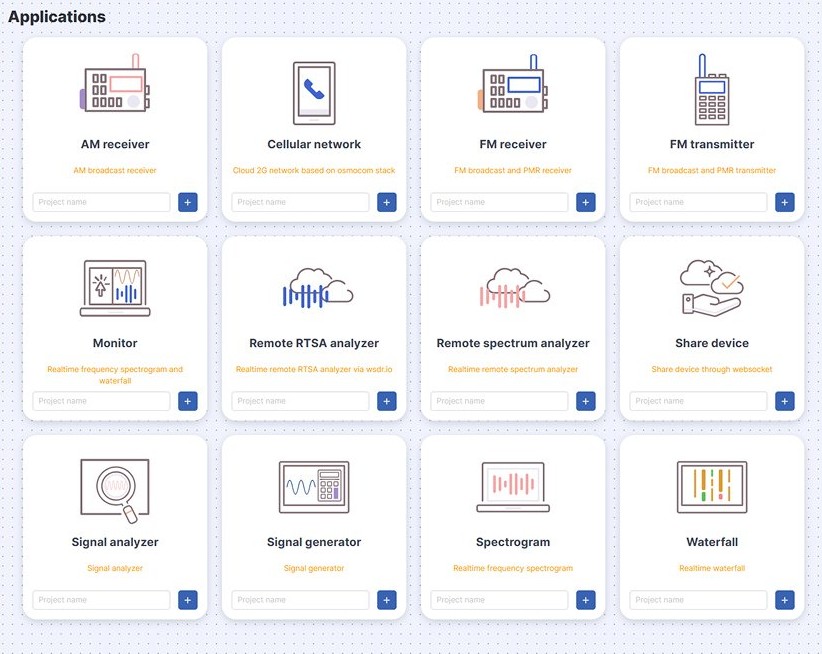
Every WebSDR workspace opens with a ready-to-run application library. Pick an application, name your project and start receiving.












FEATURED OPEN-SOURCE PROJECT
Browser-Native Cellular Infrastructure
WebSDR includes a browser-native GSM (2G) network application developed with support from the NLnet Foundation. Built on the Osmocom stack, it demonstrates how complete cellular infrastructure can be configured, monitored and controlled directly from a web browser.
The same browser-native platform also enables experimentation with LTE and 5G deployments using srsRAN or Amarisoft, providing a unified workflow across multiple generations of cellular technology.
 Supported by the NLnet Foundation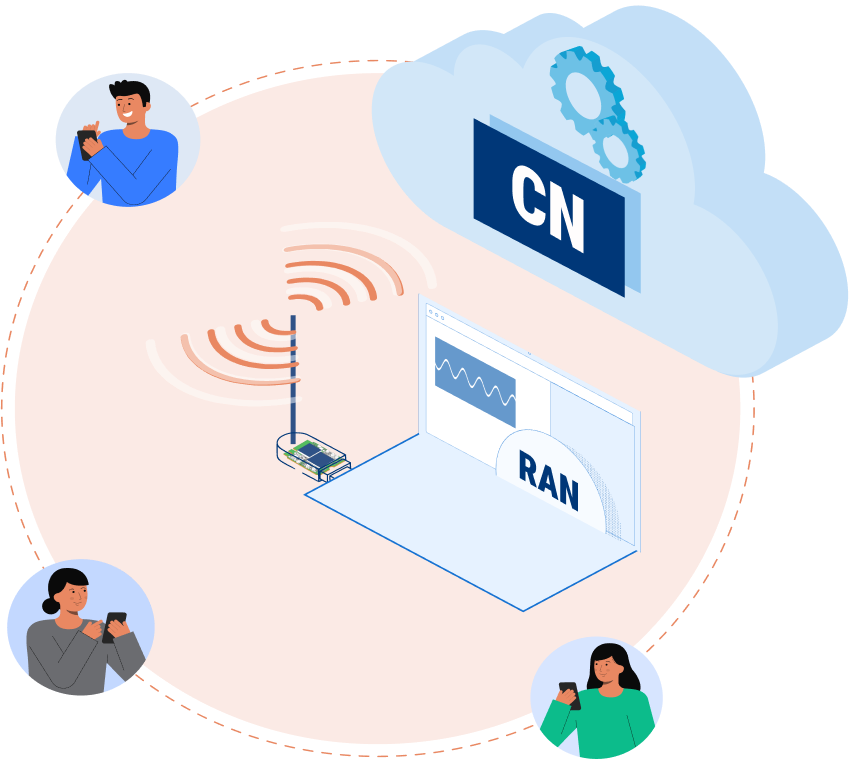
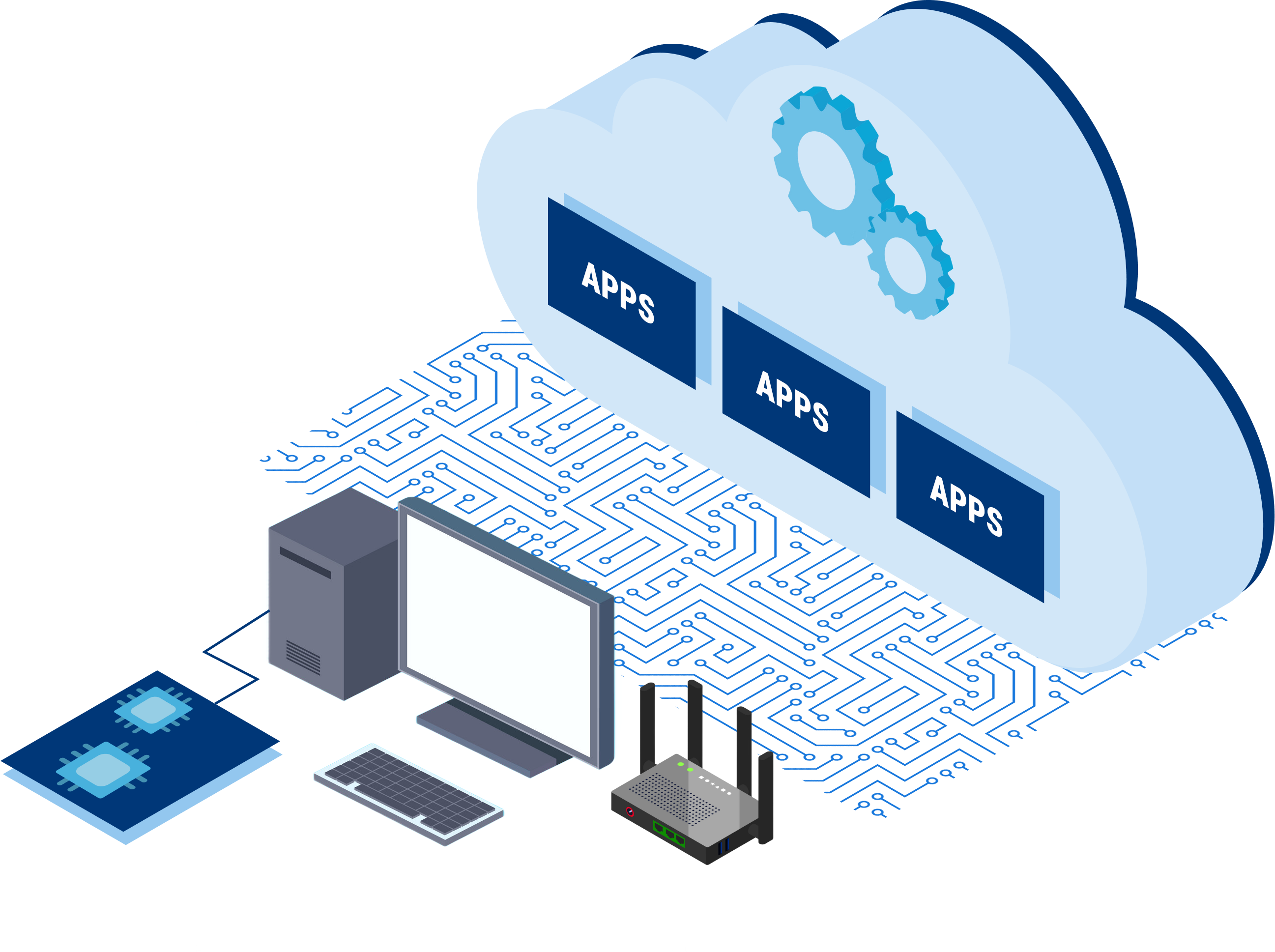
Deploy Anywhere
Run identical SDR applications on a laptop, an embedded Linux board, your own infrastructure or a cloud instance — without changing a single step of your workflow.

Embedded & Edge
Run WebSDR on embedded Linux, laptops or industrial computers.

Private Infrastructure
Deploy the platform inside your own infrastructure with complete control.

Collaborative Workspaces
Share applications, devices and projects across distributed teams.
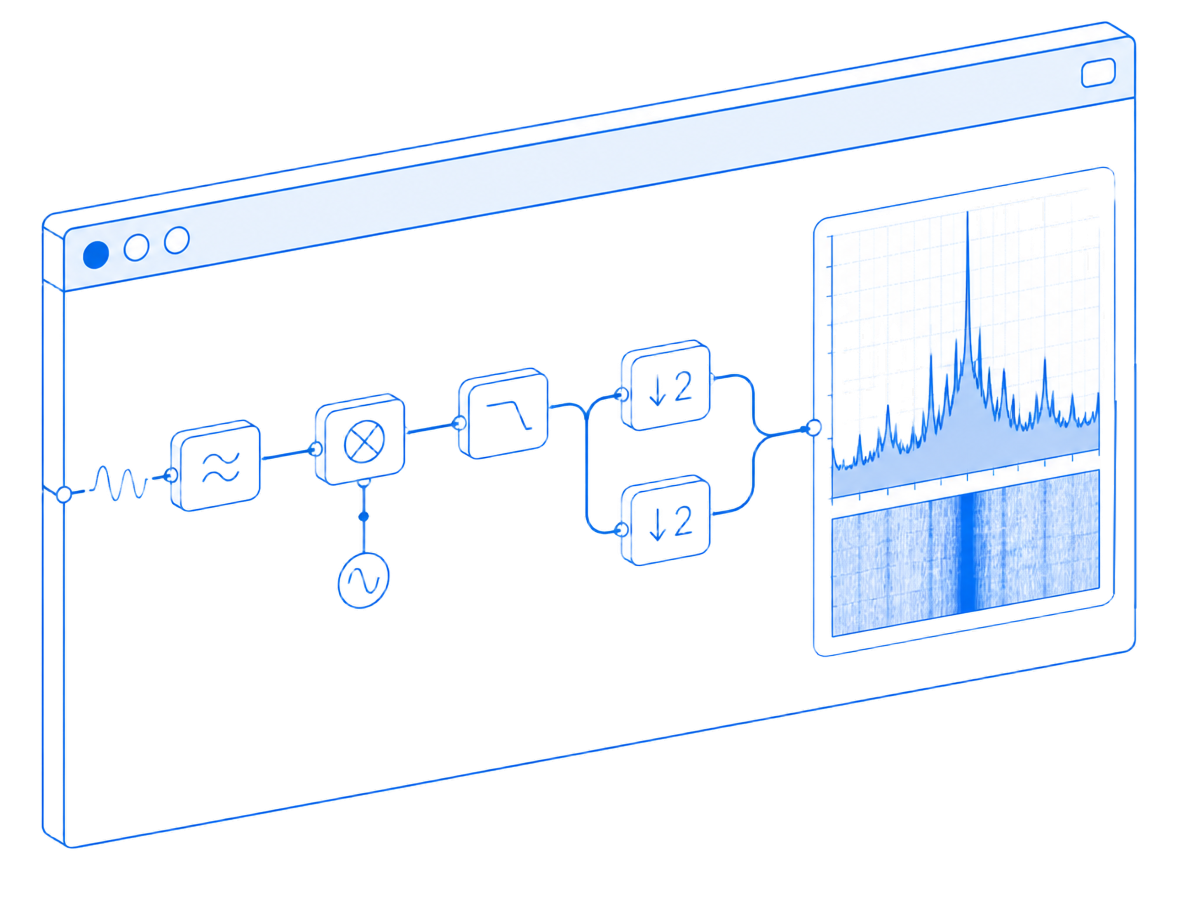
Visual DSP Builder
Design complete RF processing pipelines visually.
- Drag & drop DSP blocks
- Live spectrum visualization
- Real-time parameter tuning
- Build once, deploy everywhere
Share Radios
Collaborate Anywhere
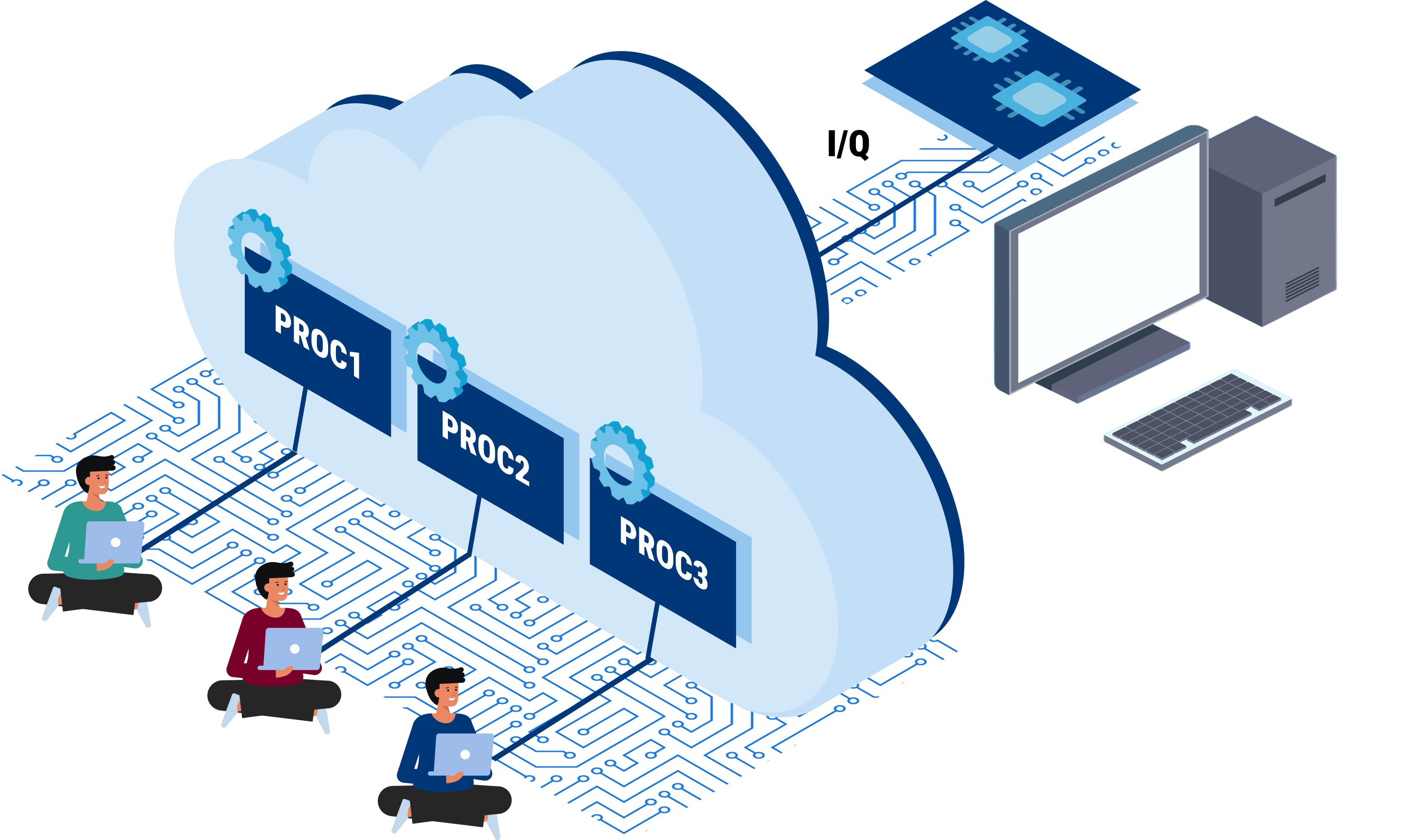
Connect a single SDR to WebSDR and allow multiple engineers to analyze, decode and process signals simultaneously from anywhere in the world.
Shared Radios
Multiple users access the same SDR simultaneously

Shared Processing
Run multiple applications on the same RF stream.
Centralized IQ Storage
Capture, store and process IQ data in one place.
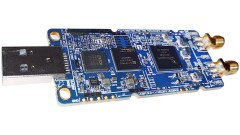
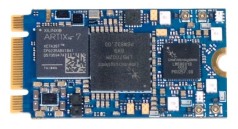
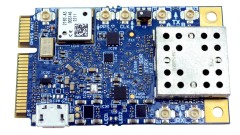
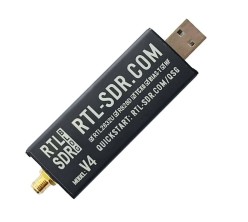
Supported Hardware
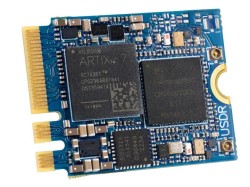
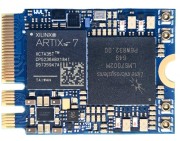
WebSDR is optimized for Wavelet Lab SDR platforms and designed for future hardware integrations.
Start Building RF Applications in Your Browser
Experience a modern browser-native workflow for Software Defined Radio. Launch the demo, explore the documentation or contact us for enterprise deployments.
Part of:
Launch & Community

Technology Programs
Distribution

CONTACT
Get in Touch
Questions about the platform, hardware support or enterprise deployment? Send us a message and our engineering team will get back to you.
Talk to the WebSDR team
Tell us about your RF workflow — development, lab sharing, cellular deployment or embedded integration — and we will point you to the right setup.
Prefer email?
contact@wavelet-lab.com
Tell Us About Your Project
Share your project, hardware, deployment environment or technical question.